

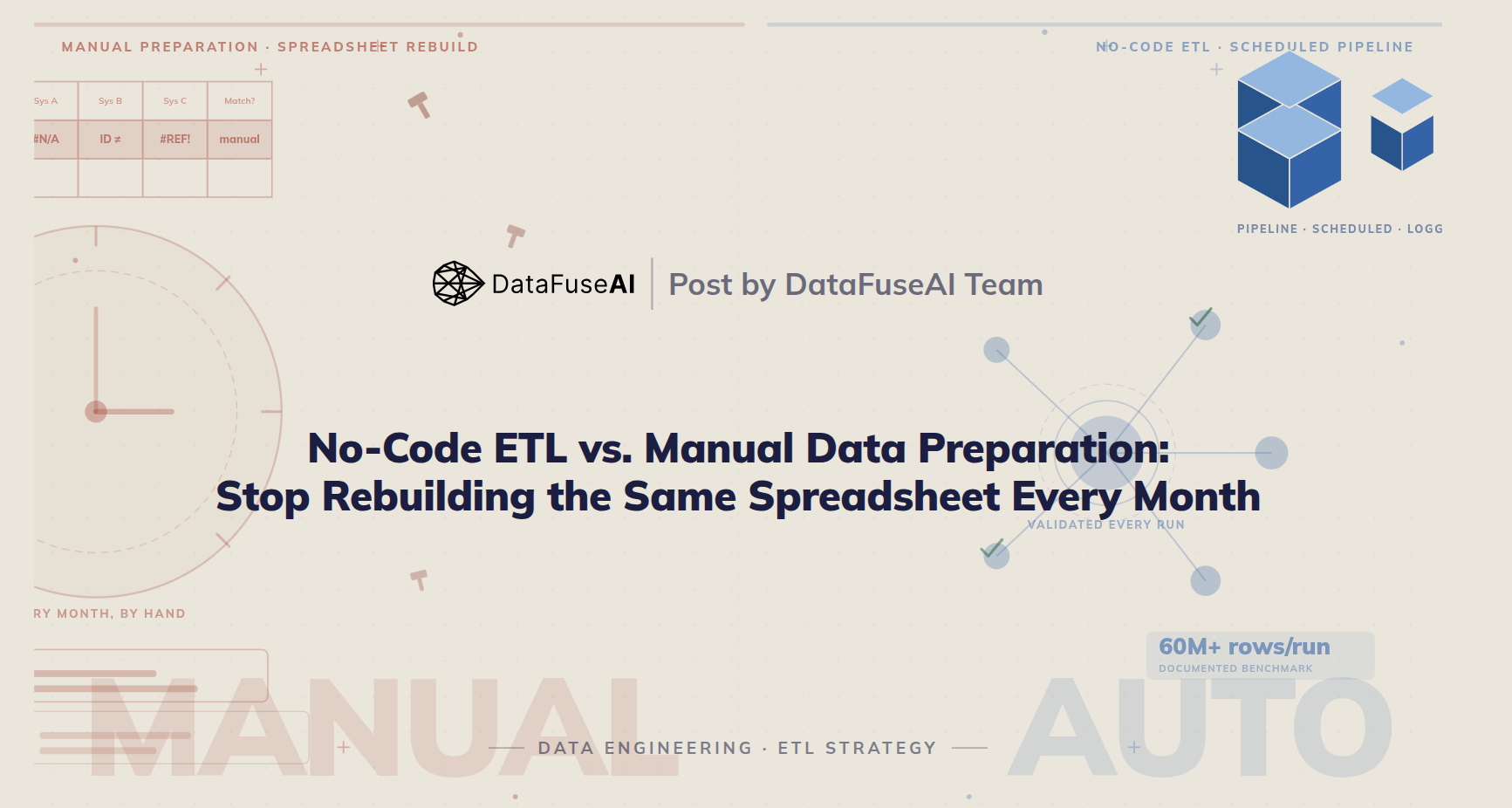
Most teams don't decide to keep preparing data by hand. They just never decided to stop. Someone built a spreadsheet process three years ago to solve one report. The report is still running, by hand, every month.
Most comparisons here just say automate everything and move on. That's incomplete advice. A one-time data pull for a single question doesn't need a pipeline. A report rebuilt by hand every month for three years does. The difference isn't which approach is better in the abstract. It's recurrence, error cost, and who's accountable when the numbers are wrong.
This piece compares no-code ETL and manual data preparation directly on time, error rate, and audit trail, then gives a five-step way to decide which one a given process should be running on. If you want the definitional groundwork first, see Explaining ETL in Simple Terms.
What Manual Data Preparation Actually Costs
Manual data preparation is expensive in three ways most budgets never itemize: the hours, the errors, and the risk of losing the one person who knows how the process actually works.
Anaconda's State of Data Science survey put data preparation and cleansing at 45% of a typical day in 2020.[2] By the 2021 edition, that had eased to 39%[2] — still more time than model selection, training, and deployment combined. The trend is real progress. The absolute number is still two out of every five working days spent getting data into a usable shape before analysis starts.
| Task | Share of day |
|---|---|
| Data cleansing | 26% |
| Data loading | 19% |
| Data visualization | 21% |
| Model selection | 12% |
| Model training | 11% |
| Model deployment | 11% |
Time isn't the only cost. Human-factors research on spreadsheet and data-entry accuracy, most notably Raymond Panko's work compiled over two decades, puts baseline manual entry error rates around 0.5–1% for simple, repetitive tasks — closer to 5% once the work involves logically complex matching or judgment calls.[3] A 1% error rate sounds tolerable until it's applied to ten thousand rows reconciled by hand every month. That's roughly a hundred wrong values sitting quietly in a report someone is about to present.
Gartner's research puts the average annual cost of poor data quality at $12.9 million per organization, across industries.[1] That figure includes wasted analyst time, decisions made on bad numbers, and the rework that follows once someone notices.
The least visible cost is the hardest to budget for. When the process for turning three systems into one report lives in a spreadsheet macro built by someone who has since left, an absence isn't an inconvenience. It's an operational gap. No one else can explain why one cell subtracts a specific number, only that the report breaks if it's removed.
What No-Code ETL Actually Automates
No-code ETL replaces the manual sequence — export, open, clean, match, dedupe, reformat, load — with a pipeline built once and run automatically on a schedule. "No-code" means the person building it uses a visual interface instead of writing scripts. Automation means the process doesn't need a person to execute it every cycle.
That's a different thing than a one-off script or a spreadsheet macro written to solve this month's version of the problem. A script automates a single run. A pipeline automates the process — including what happens when a source system changes its export format, a field goes missing, or a duplicate record shows up that wasn't there last time.
The advantage isn't speed by itself. It's consistency. A person doing manual reconciliation checks for missing fields and mismatched keys when they remember to, and less carefully late on a Friday. A pipeline applies the same validation rule on the tenth run as the first.
It's also visible in a way a personal macro isn't. A pipeline anyone on the team can open and inspect replaces a process that only worked because one specific person built it — a distinction that matters the moment that person changes roles.
No-Code ETL vs. Manual Data Preparation: Side-by-Side
The comparison below isn't features versus no features. Manual processes have real advantages in specific situations — that's the next section. This table compares the two approaches on what actually determines cost over a year, not a single run.
| Dimension | Manual Data Preparation | No-Code ETL Pipeline |
|---|---|---|
| Setup effort | None upfront — starts immediately | Requires initial build time |
| Recurring cost | Full analyst time, every cycle | Near-zero after the initial build |
| Validation | Applied when someone remembers to check | Applied identically every run |
| Typical error rate | ~1% baseline, up to 5% on complex tasks[3] | Errors caught at defined checkpoints, not analyst attention |
| Auditability | Depends on the person's notes, if any exist | Execution logged automatically, where the platform supports it |
| Key-person risk | High — process often lives in one person's file | Low — process is visible to the whole team |
| Best for | One-off analysis, small datasets, exploratory work | Recurring processes, regulated data, growing data volume |
The pattern below is common across finance and operations teams running the same recurring report by hand.
Three exports from three systems, opened in a spreadsheet by hand each month. Customer IDs that don't align across systems, matched by eyeballing rows. A senior analyst's time — two to three days, every month, indefinitely.
Same three sources, same output — built once as a pipeline with defined matching rules, run on schedule. Analyst time returns to actual analysis after an initial parallel-run period to confirm the output matches.
When Manual Still Wins
Automation isn't the right call for every recurring task, and it's rarely the right call for a task that isn't recurring at all.
- One-off analysis. A question asked once, for a single decision, rarely justifies building a pipeline. By the time the pipeline is built, a manual pull would have finished the job.
- Small, stable datasets. A hundred-row reference table that changes twice a year doesn't need scheduled automation. It needs someone to update it twice a year.
- Judgment-heavy transformations. Some cleaning genuinely requires a person evaluating context row by row — flagging ambiguous records for review, for instance. Automating the parts that don't require judgment and leaving the judgment calls to a person is usually the right split, not automating the whole thing end to end.
- Early-stage exploration. When the schema, the sources, and the question itself are still changing week to week, a rigid pipeline is more overhead than a flexible spreadsheet.
The filter that matters is recurrence, not volume. A task repeated on a defined cycle accumulates cost every time it's done by hand. A task done once doesn't, regardless of how large the dataset is.
How Teams Actually Make the Switch
Moving a process from manual to automated works best in sequence, one process at a time — not as a single overhaul of everything at once.
Audit recurring work
List every report or process rebuilt on a defined cycle, not just the ones that feel most painful right now.
Quantify the real cost
Include analyst hours and the time spent fixing errors after the fact — not just the build time for a replacement pipeline.
Build the highest-cost process first
Start with the process that repeats most often and costs the most, not the one that's most technically interesting to build.
Run both in parallel
Compare pipeline output against the manual process before retiring the manual version. Trust in a new pipeline's output has to be earned, not assumed.
Retire the manual process, then repeat
Redirect the recovered hours to the next highest-cost recurring task, then run the audit again.
Where DataFuseAI Fits
DataFuseAI is built specifically for the recurring side of this comparison — the reports and pipelines rebuilt by hand every cycle, not the one-off analysis covered above.
- A drag-and-drop pipeline builder connecting to 50+ sources, including 25 dedicated RDBMS variants — see Data Connectors.
- Three deployment models — Cloud SaaS, Private-Hosted, or fully offline On-Premise — for teams where compliance requires data to never leave their own network.
- Action-level RBAC and full execution audit logging that captures user, action, and configuration state at run time — see Audit-Ready Data Operations.
- Monitoring across the last 5 execution cycles, system metrics every 10 seconds, and email alerts on scheduled job failure.
- Engine flexibility across Databricks, Apache Livy, and DataFuseAI's native engine, with 60M+ rows processed in a single documented pipeline run — see the 60M row case study.
Frequently Asked Questions
Any process where a person exports, cleans, matches, or reformats data by hand before it can be reported on or analyzed — typically in spreadsheets, sometimes with a personal script only that person maintains.
Industry surveys put data preparation and cleansing at roughly 39–45% of a typical data team's day[2] — more time than model selection, training, and deployment combined. The exact share depends on how many source systems are involved and how often the process repeats.
There's real upfront build time. For a process repeated monthly or more often, the ongoing manual cost typically exceeds that build time within the first year. For a process run once a year, automation usually isn't worth it at all.
Yes. A pipeline connects to source systems as they already exist. It doesn't require migrating or replacing them.
It reduces the errors caused by inconsistent attention, since a validation rule applies the same way on the tenth run as the first. It doesn't remove the need for a person to define what "correct" looks like in the first place — that judgment still has to come from someone.
Ask how often it repeats. A process run on a defined cycle — weekly, monthly, quarterly — is usually worth automating once it takes more than a couple of hours each time. A process run once generally isn't, regardless of how long it takes.
The Right Time to Automate
No-code ETL doesn't replace judgment. It replaces repetition — the tenth time someone opens the same three exports and reconciles them by hand, exactly as they did the ninth time. That repetition is where manual data preparation actually costs money: not in any single run, but in the accumulated hours, the errors that get through when no one's checking as carefully as usual, and what happens when the person who understood the process is no longer the one running it.
The decision isn't automate-everything versus change-nothing. It's identifying which processes actually repeat on your team, quantifying what they cost today, and building the pipeline for the most expensive one first.
 Request a Demo